The Funny Feline Felonies
- Episode aired Dec 28, 1967
- TV-G
- 25m
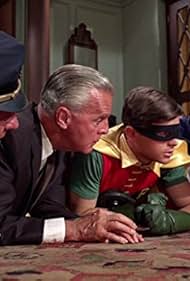
The Joker, just released from prison, teams up with Catwoman. They follow the clues of an ancient riddle to retrieve a nightshirt and an antique crib, which together form a map to a hidden c... Read allThe Joker, just released from prison, teams up with Catwoman. They follow the clues of an ancient riddle to retrieve a nightshirt and an antique crib, which together form a map to a hidden cache of gunpowder which they plan to use for their next crime. Batman and Robin, together ... Read allThe Joker, just released from prison, teams up with Catwoman. They follow the clues of an ancient riddle to retrieve a nightshirt and an antique crib, which together form a map to a hidden cache of gunpowder which they plan to use for their next crime. Batman and Robin, together with Batgirl, follow their trail, little knowing that they are about to walk right into an... Read all




- Giggler
- (as Sandy Kevin)

- Henchman
- (uncredited)

- Narrator
- (voice)
- (uncredited)


- Talent Agent
- (uncredited)


